Questions
Does it work on PS5 / PC, or only one platform?
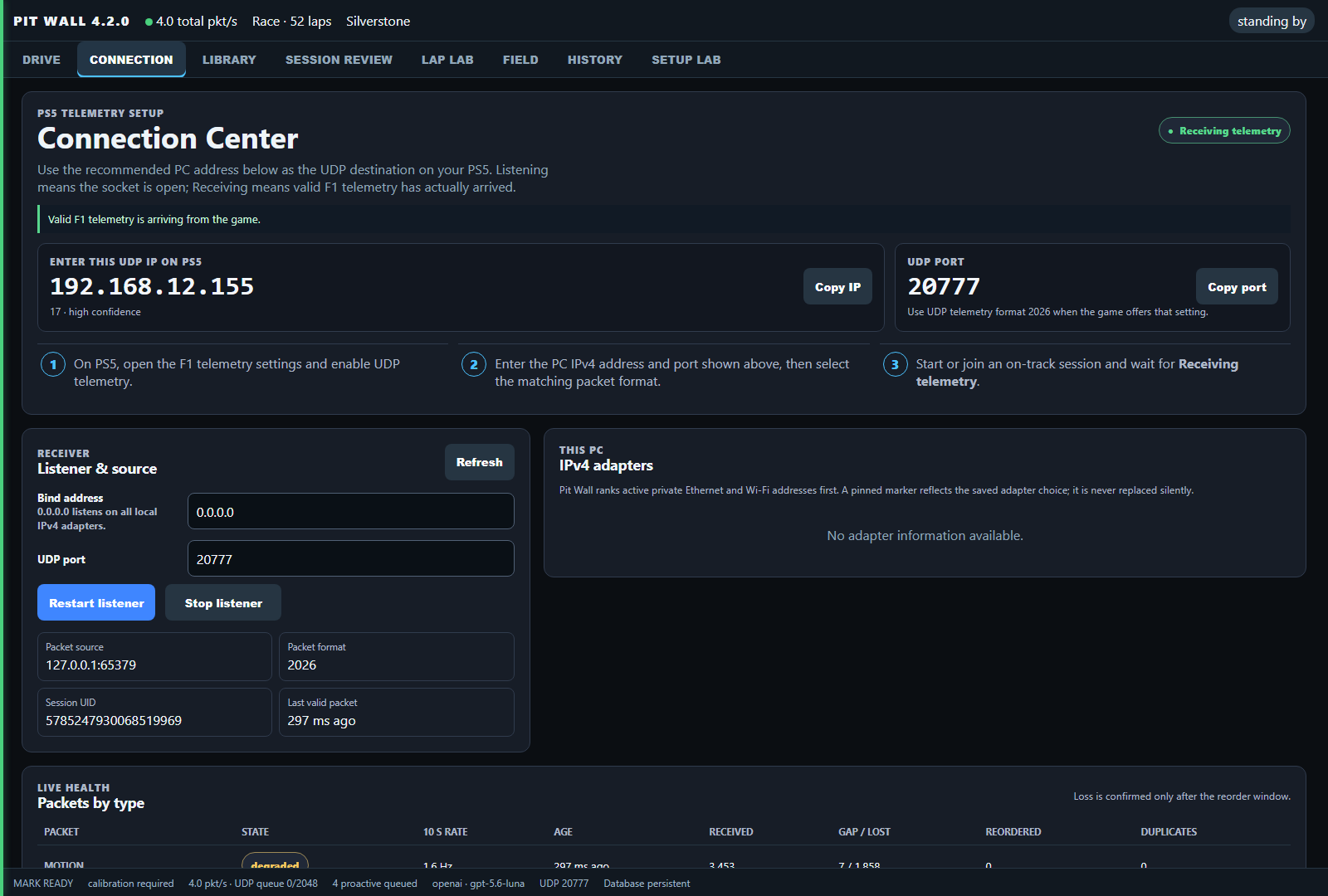
PS5 / PC describes where the game runs. Windows / Android describes where the engineer runs. Send the game's F1 2026 UDP feed to either engineer over your private network, or use loopback when the game and Windows app share a PC. Android does not need a Windows host. The receiver uses the same packet parser; packet-format support does not guarantee every router or device setup. Follow the setup guide for your chosen app.
Will it get me banned, or count as cheating?
Your Pit Box reads the game's exported UDP telemetry; it does not send driving inputs or modify game files. Check the rules of any league or event you enter: this is not a guarantee of permission in every competition.
How much will the AI usage actually cost?
Less than most people expect, because the common questions never reach a model. Gaps, tyre temperatures, damage and strategy status are computed locally and cost nothing. What costs money is open-ended conversation and deep strategy reasoning during a long race. You can monitor API usage, use prepaid credits and configure billing alerts on your provider's dashboard — OpenAI's by default; Your Pit Box keeps working without the radio if the key stops.
Can I use Claude, DeepSeek or Kimi instead of OpenAI?
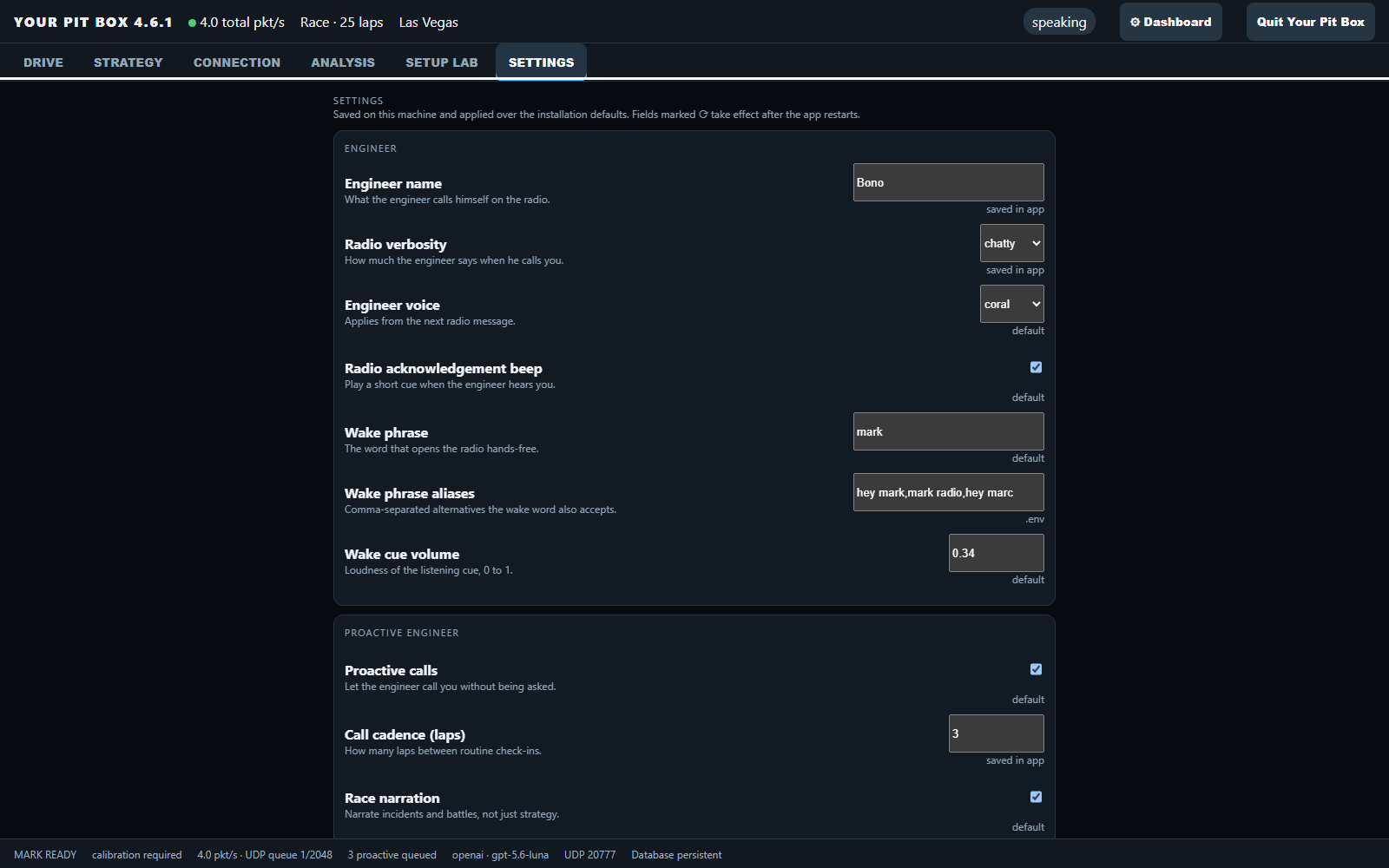
Yes, for the engineer's reasoning. Paste that provider's key on the Connection tab and pick it as the engineer's provider — it applies immediately, no restart. The spoken radio (speech-to-text and the engineer's voice) always uses OpenAI, so without an OpenAI key the engineer answers typed questions on the dashboard and stays silent on the radio. Local OpenAI-compatible servers work too, via the custom endpoint.
What data leaves my device?
Compact situation summaries and selected computed results go to the AI provider you configured when a question needs model judgement. The database and raw trace files are not uploaded to the AI provider. Cloud transcription sends recorded audio clips to OpenAI; optional Realtime voice streams microphone audio to OpenAI while a radio session is active. With beta history transfer, explicitly copying sessions sends their saved history and available traces to your paired device on the local network; it does not create a cloud account or sync your API keys.
Will my laptop and tablet automatically stay in sync?
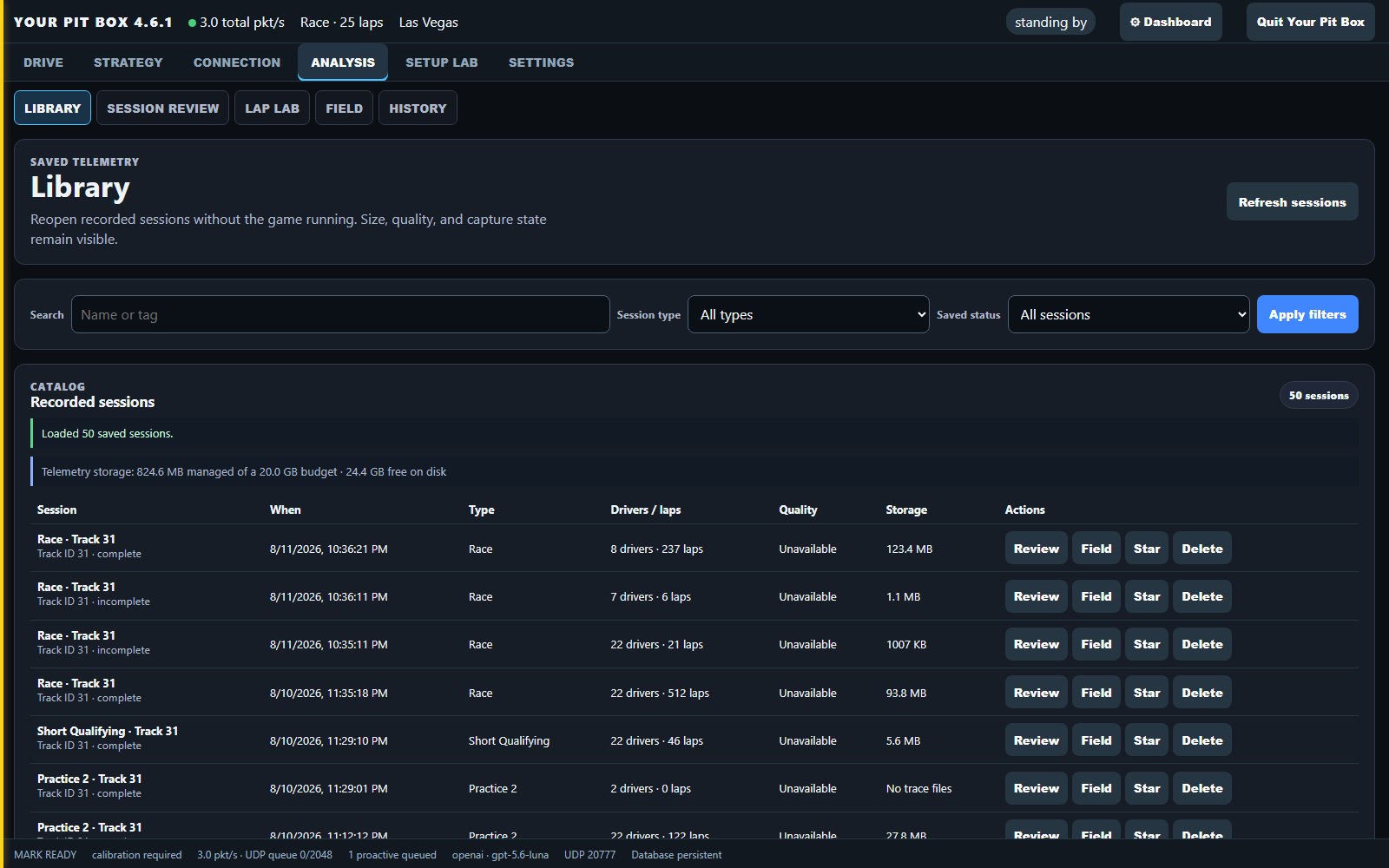
No. Each device records and stores its own sessions. With beta history transfers, you pair devices and choose which completed sessions to copy. A history transfer does not forward the game's live UDP feed: point the game at the receiving device's current address shown in Connection, or separately configure beta UDP forwarding. Do not start an import while that device is recording.
Do I need to be online?
Not for Your Pit Box itself. There is no activation and no account: telemetry, strategy, analysis and the dashboard all work with no connection. Only the spoken radio and model-backed answers need internet, because those are the parts that call your AI provider.
Is it really free? What is the catch?
Yes, and there is no catch. The download is the complete application, nothing is held back for a paid tier, and nothing expires. The only running cost is your own AI provider usage, billed by that provider to you. If Your Pit Box earns you a position, buy me a coffee — a thank-you, not a purchase.
Are app downloads counted?
Yes. We keep aggregate daily counts of Windows and Android download starts, plus first/last start timestamps. These counters do not store visitor IP addresses, names, emails, user-agent logs or tracking cookies. They measure download starts, not installations or unique people. Separately, newer app builds offer an optional choice to share basic usage statistics; it is off until you choose it and can be changed in Settings. See what data goes where.
What do you do with my email?
The Windows download prompt asks for an email address, and you can skip it. The Android APK link downloads directly. If you give one, it is stored with the date on my Cloudflare account and used for exactly one thing: telling you when a new version ships. No newsletter, nothing sold or shared, and a reply to any of those emails removes you. The app itself never sends me anything.
It is free, so why did the installer ask for an activation code?
Older installers were built before Your Pit Box went free and asked for a code the first time they started. The current download needs no activation code. Download the latest installer and run it over your existing installation; your sessions and settings are kept.
I bought a code before it went free. What now?
Your install keeps working exactly as it is, and the code stays valid on that computer. Whenever you like, download the current installer and run it over the top: your sessions and settings are kept, and it will never ask for a code again. Thank you for backing it when it cost something.